
How to Sign Up on Deriv.com: Step-by-Step Guide
📈 Learn how to sign up on Deriv.com with clear steps for account types, verification, and paying in ₦. Start trading confidently in Nigeria today!
Edited By
Sophie Harwood
Logging into Deriv using your email is the first step for anyone ready to trade, invest, or analyse markets comfortably and securely. For Nigerian users, understanding this process helps avoid common delays or issues that can arise when accessing your trading account.
Deriv supports email login as a simple, effective way to access your dashboard, check your trade history, and manage your portfolio. It works smoothly on smartphones, tablets, and desktops, so whether you’re commuting in a danfo, at home with your generator running, or in an office, logging in remains straightforward.
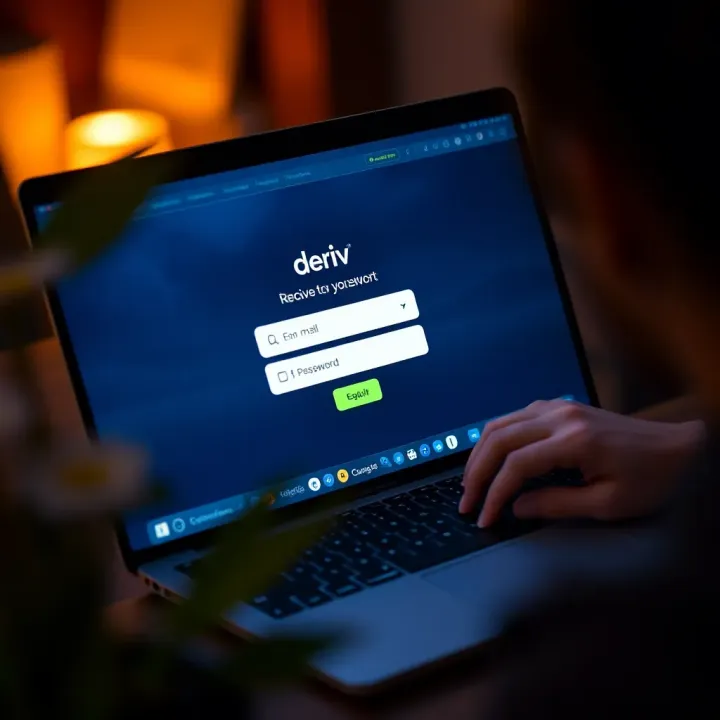
To start, you need a registered email address linked to your Deriv account. This is the same email used during your sign-up process. By entering this email and your password, you gain access to your trading environment.
Tip: Always ensure your email is active and you can receive messages; this helps if password resets or security alerts come through, especially with increasing cyber risks.
Here’s the gist of the login process:
Open your preferred browser or the Deriv app.
Navigate to the login page.
Enter your registered email address.
Type your password carefully—take note of capital letters, symbols, and numbers.
Click the login button to access your account.
If you’ve forgotten your password, Deriv offers a quick reset option that sends a recovery link straight to your email.
This straightforward method suits traders from Lagos dealing with slow mobile connections to investors in Abuja using desktop setups. It’s important to secure your login credentials and avoid logging in on public or shared computers.
Understanding and following the correct, simple steps to log into Deriv with your email helps you focus on what really matters: analysing markets and making informed trades. The next sections will guide you through troubleshooting common issues and securing your account better.
Deriv is an online trading platform where users can access a variety of financial instruments, including forex, commodities, and synthetic indices. Logging in is not just about entering your dashboard; it’s your gateway to managing trades, checking balances, and executing investment strategies. For Nigerian traders, seamless access to Deriv means timely decision-making in volatile markets influenced by naira fluctuations and geopolitical events.
Having a secure login protects your account from unauthorised access. Since Deriv involves real money and sensitive personal information, logging in correctly safeguards your funds and trading history. Imagine missing a trade opportunity because your account is locked out; that loss might quickly turn to real naira lost.
Logging in with an email address remains the most common and practical option. It allows traders to use a verified email for a smooth sign-in experience, which also ties in neatly with password recovery and security alerts. For example, if you forget your password during the busy ember months trading season, having your email linked makes recovering access quicker and less stressful.
Using email login makes account management straightforward since all notifications about activity or account changes arrive in the registered inbox. An everyday Nigerian investor can rely on this method without juggling multiple apps or social profiles.
Deriv offers login through social media accounts like Google or Facebook. This method can speed up the login process since many users are already signed into these platforms on their devices. For busy entrepreneurs managing multiple online tasks, social media logins eliminate the need to remember additional passwords.
However, there are risks involved. If your social media account is compromised or locked, it may affect access to your Deriv account, causing delays or requiring complicated recovery steps. Therefore, some traders prefer having separate login credentials on Deriv for added security.
Logging in with a mobile number adds convenience, especially for users who prefer receiving quick one-time passwords (OTPs) via SMS. This is useful in Nigeria where mobile penetration is high, and sometimes internet connectivity varies. Receiving a code on your phone can help bypass challenges like forgotten passwords or unresponsive email accounts.
Still, mobile login depends on network availability. In places with poor signal or when travelling through areas with patchy coverage, relying solely on mobile verification might cause delays. Nonetheless, as part of multi-factor authentication strategies, mobile number logins offer an extra layer of protection.
Choosing the right login method on Deriv balances ease of access with security. Email login stands out for its reliability and integration with account management, especially for traders serious about protecting their investments.
Logging into Deriv with your email is the simplest and most secure way to access your trading account. This step-by-step guide dissects each crucial part of the login process so you can get started without unnecessary hassle. Whether you are a trader from Lagos or an investor in Abuja, understanding these stages ensures you avoid common mistakes and use the platform efficiently.

Always use the email address you registered with Deriv. If you try logging in with an unrecognised or outdated email, the system will reject access. For instance, if you signed up with your personal Gmail but later switched to an alternative account without updating Deriv, you will face login problems. Confirm your email is accurate, active, and capable of receiving verification mails or password resets during troubleshooting.
A strong password shields your account from unauthorised access. Combine upper and lower case letters, numbers, and symbols to form a password that’s hard to guess. For example, instead of "password123", use something like "Der!vN@1j@2024". Strong passwords are particularly vital when accessing financial platforms from public places or shared networks common in Nigerian cities. This simple security step can save you serious trouble later.
Start by typing the correct URL for Deriv in your browser to avoid falling for fake sites that might steal your details. Bookmark the official site once logged in, so you don't have to type the address repeatedly. Platforms offering online trading face cyber threats frequently in Nigeria, so sourcing from the official website is your first security line.
Once you reach Deriv’s homepage, look for the login button usually at the top-right corner. On selecting it, you will see options such as social media login, mobile number, and email login. Choose the email login to proceed, especially if you prefer traditional credentials over third-party access.
Double-check the email you input matches your registered Deriv account. Even one misplaced letter or misplaced dot can cause login failure. For example, "john.doe@gmail.com" is different from "johndoe@gmail.com". Pay extra attention to avoid delays or locking your account after repeated failed attempts.
Passwords are case-sensitive. Ensure Caps Lock is not accidentally turned on while typing. If your keyboard layout is different or you use a device borrowed from someone, confirm the input language and settings. Such small lapses often trap users unknowingly.
This handy feature lets you view your password as you type. It’s especially useful when you’re on personal devices and want to avoid typos. Although convenient, use it cautiously in public places where others might glance at your screen.
Deriv’s 2FA process demands an additional authentication step beyond your password. Typically, after entering credentials, you receive a code via email or an authenticator app. Entering this code confirms it is really you logging in. This step significantly reduces risk even if your password is compromised.
To activate 2FA, go to your account settings and choose the security section. You can link Deriv login to Google Authenticator or receive SMS codes on your phone. Nigerians are increasingly targeted by online fraud, so setting up 2FA adds a critical layer of protection. It helps ensure that even if your password leaks, only you can complete the login.
Always keep your password and 2FA methods private. Avoid sharing them with anyone, even close friends or family members, to safeguard your financial interests.
Encountering login issues on Deriv can disrupt your trading activities, so knowing how to troubleshoot common problems is essential. This section sheds light on typical issues like forgotten passwords, account lockouts, and email errors, helping you restore access promptly and safely.
Using the password reset option is often the quickest remedy for forgotten passwords. On the Deriv login page, there’s a "Forgot Password" link that lets you request a reset. Once you enter your registered email, Deriv sends a secure link to reset your password. This process safeguards your account by ensuring only the email holder can reset the login credentials.
Verifying your email for recovery plays a critical role in this process. Deriv will ask you to confirm ownership of your registered email address, usually through a verification code sent to your inbox. This step prevents unauthorised reset attempts and keeps your account secure. Make sure to check your spam or junk folder if the email doesn’t show up immediately.
Causes of account lockout typically include multiple failed login attempts, which trigger security protocols to protect against hacking. Lockouts can also happen if unusual activity is detected or if your account violates Deriv’s terms of service. For example, entering the wrong password five times in a row can temporarily disable your login.
Steps to regain account access start by waiting for the lockout period to expire if it’s temporary. If locked due to suspected fraudulent activity, reaching out to Deriv’s support is necessary to verify your identity and resolve the issue. Having your registered email and any verification details ready will speed up the process.
Checking for typos in your email address is a simple but often overlooked step that avoids login frustration. Small errors, such as missing dots or misplaced letters, can cause failed authentication. For example, typing "gmail.con" instead of "gmail.com" is a common mistake that prevents successful login.
Ensuring correct domain names is equally important. Some may accidentally enter variations like "@yahoo.co" instead of "@yahoo.com" or confuse similar domains. Double-checking your email domain guarantees that you’re using the registered address associated with your Deriv account, eliminating avoidable login errors.
Keeping these troubleshooting tips in mind helps you maintain smooth access to your Deriv account, ensuring you can trade confidently without unnecessary interruptions.
Maintaining solid account security is not just about protecting your Deriv login but safeguarding your trading investments and personal data. In Nigeria, where cybercrime and phishing schemes have become more sophisticated, following best practices helps you avoid unnecessary risks. A secure Deriv account keeps your funds safe and gives you peace of mind as you trade.
A strong password is the foundation of account security. Use a mix of uppercase, lowercase letters, numbers, and symbols to create a password that is hard to guess. Avoid simple combinations such as "password123" or your birth year, which attackers can crack easily. For example, instead of "Deriv2024", try something like "D3r!v$Tri£d2024". Also, avoid reusing passwords across different platforms like your email or social media accounts.
You might consider using a reputable password manager to generate and store complex passwords safely. This is especially helpful since remembering multiple complicated passwords can be difficult. Remember, never write your passwords down where others might find them.
Changing your password periodically reduces the chance that compromised credentials remain valid. Aim to update your login details every three to six months, or sooner if there's any suspicion of unauthorized access. For instance, if you hear about a data breach involving a financial platform, update your Deriv password immediately, especially if you use similar passwords.
Regular updates also apply to recovery options like your registered email or phone number. Confirm these details are current so you can recover your account quickly if needed. This habit can save you time and stress, especially during trading seasons when quick access matters.
Phishing attacks try to trick you into revealing your login details through deceptive emails. These messages often appear to come from Deriv but contain subtle errors or urgent calls to action. For example, an email might claim your account will be locked unless you click a suspicious link or provide your password.
Watch out for emails with poor grammar, unusual sender addresses, and links that don't match the official Deriv URL. Always hover over links before clicking (but don't click if unsure) to check the destination. Nigerian users should be especially cautious during ember months, when cybercriminals intensify such schemes.
Deriv generally contacts users from verified addresses and never asks for passwords via email. If you receive unexpected messages, check the sender's email domain carefully. Official communication often includes personalised details such as your username or account number, which generic phishing emails lack.
When in doubt, log in directly on the Deriv website rather than through an email link. If you receive a suspicious message, you can confirm its authenticity by contacting Deriv’s customer support directly. This approach helps avoid falling for fraudsters trying to gain access to your funds.
Keeping your login secure is not a set-and-forget matter. Practising strong password creation, regularly updating credentials, and staying alert to phishing are key steps to safeguard your Deriv trading account in Nigeria.
After you successfully log into Deriv using your email, managing your account settings becomes the next vital step to secure and personalise your trading experience. Proper handling of these settings helps you stay in control and avoid common pitfalls like unauthorised access or missed notifications. For Nigerian traders, given the frequent challenges relating to internet stability and security concerns, it’s especially advisable to regularly update your account details.
Keeping your email address current on Deriv is essential because this is the main channel for account notifications, password recovery, and important updates. If you change your primary email, update it immediately to continue receiving timely alerts about transactions or security checks. For example, if your old email provider starts acting up or if you switch to a more secure email service, ensure you go to the account settings, input the new address, and verify it by confirming the code sent. Neglecting this step could lead to missing critical communications or difficulty retrieving your password.
Changing your Deriv account password regularly protects you against hacking or unauthorised access—particularly important in an environment where cyber threats are real and growing. Use a mix of uppercase and lowercase letters, numbers, and symbols. Avoid predictable choices like birthdays or “password123”. Once you change your password, make sure to log out from all devices as an added safety measure. Nigerian users often prefer to note passwords in secured offline places to avoid digital theft, which is a practical tip to consider.
Deriv offers security features like two-factor authentication (2FA) which you should enable immediately after login. This extra layer requires a code from your phone or an authenticator app whenever you log in or perform sensitive activities. Adjust security settings by setting login alerts or restricting withdrawals to certain devices. If you’re a trader in Nigeria’s busy urban centres, this could be a lifesaver against fraudulent access. Regularly reviewing these settings can detect suspicious activity early, reducing potential financial loss.
Taking control of your Deriv account settings is not just about convenience—it’s a safeguard that ensures your trading journey remains smooth and secure. Do these updates regularly, especially after any major change to your contact details or security environment.
Proper account management after login delivers peace of mind and strengthens your ability to react fast if something’s off—helping you focus on what matters: making informed trading decisions on Deriv.
📈 Learn how to sign up on Deriv.com with clear steps for account types, verification, and paying in ₦. Start trading confidently in Nigeria today!
Discover Deriv's trading features, fees, account types & security for Nigerian traders 🇳🇬. Get the real insight to decide if Deriv fits your ₦ trading goals today!
Manage your ₦ deposits, withdrawals, and secure transactions on Deriv Cashier with ease 🔒. This guide helps Nigerian traders avoid common hiccups and get smooth payments.
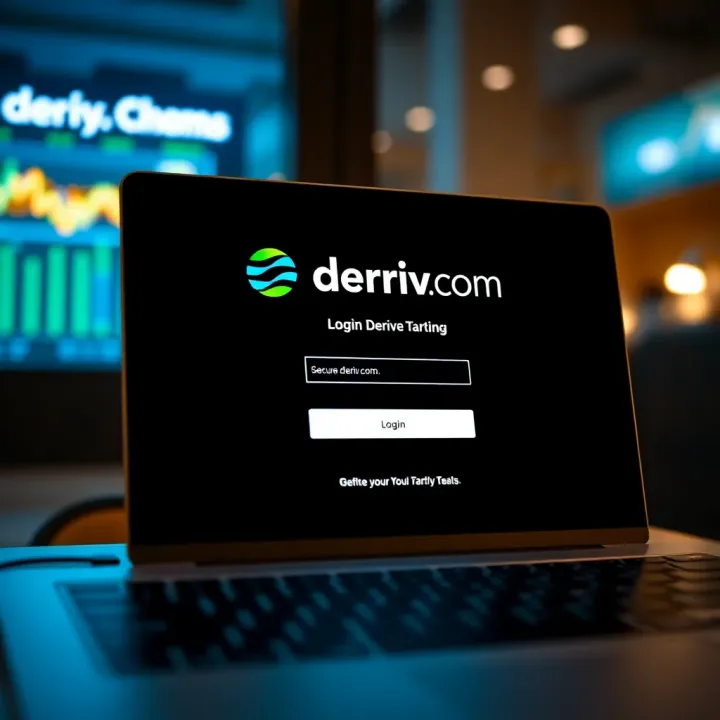
🌍 A complete guide for Nigerian users on www.deriv.com login: register, troubleshoot, secure your account, and manage trading settings with ease.
Based on 13 reviews